Environmental Surveillance
Entering an ES Site
Creating a site
To create a new site, use the main menu in the app to access the Environmental Surveillance Sites link.

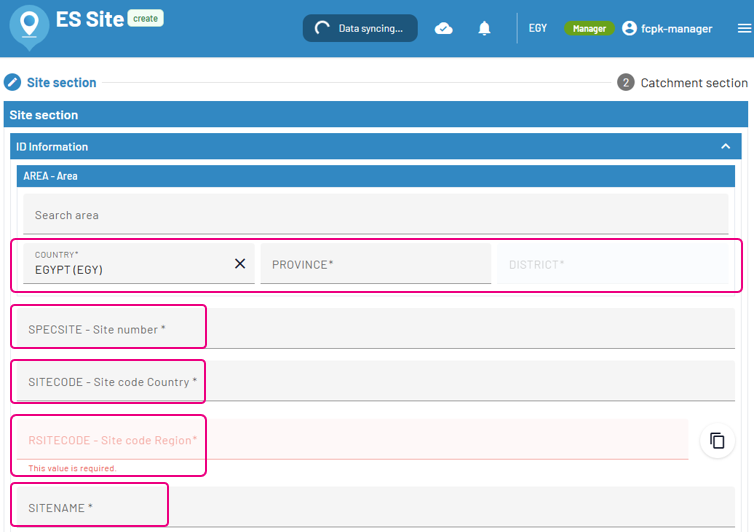
Field name |
Possible values |
|---|---|
Country |
Value selector |
Province |
Value selector |
District |
Value selector |
SPECSITE - Site number |
Input text field |
SITECODE - Site code Country |
Input text field |
RSITECODE - Site code Region |
Input text field - automatic value based on AREA and SPECSITE |
SITENAME |
Input text field |
Information section
Fields Status, DSTART and DISTRICT are required.
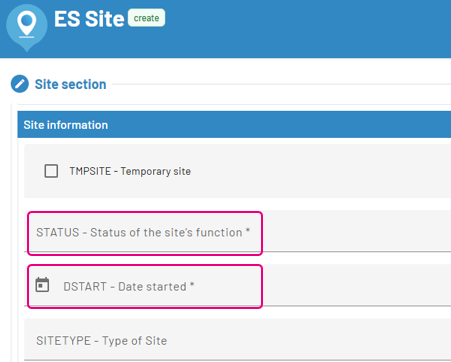
Field name |
Possible values |
|---|---|
STATUS - Status of the site’s function |
Active, Postponed, Closed, Unknown |
DSTART - Date started |
Input date field |
All other fields are not required.
Saving the ES site
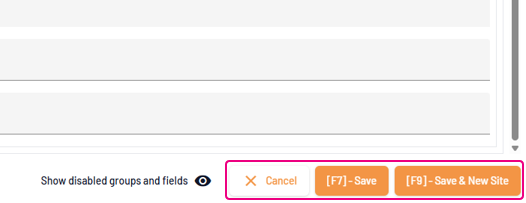
Once you have filled in the minimum required fields. you may save the ES Site by clicking on one of the following:
Entering an Environmental Samples for a site
To create a new Environmental Sample, use the main menu in the app to access the Environmental Surveillance Samples link.
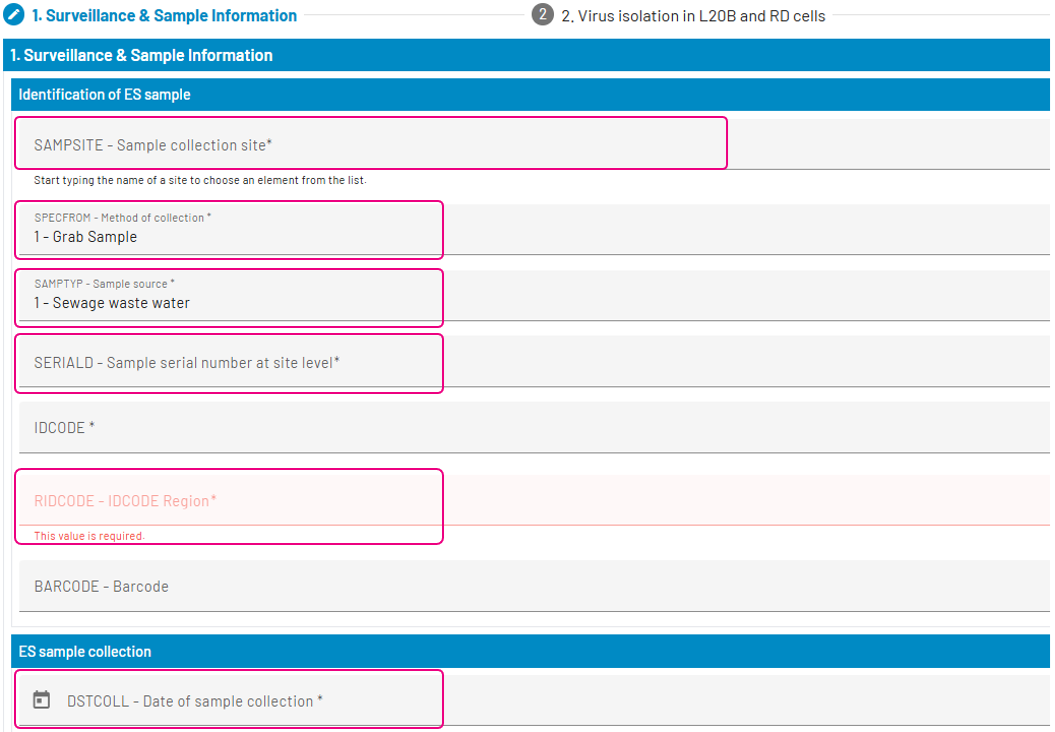
Field name |
Possible values |
|---|---|
SAMPSITE |
Value selector |
SAMPTYPE |
Value selector |
SERIALD |
Value selector |
IDCODE |
Input text field |
RIDCODE - IDCODE Region |
Input text field - automatic value based on SAMPSITE, IDCODE, DSTCOLL |
DSTCOL |
Date selector |
Saving the ES sample
Once you have filled in the minimum required fields. you may save the ES Sample by clicking on one of the following: