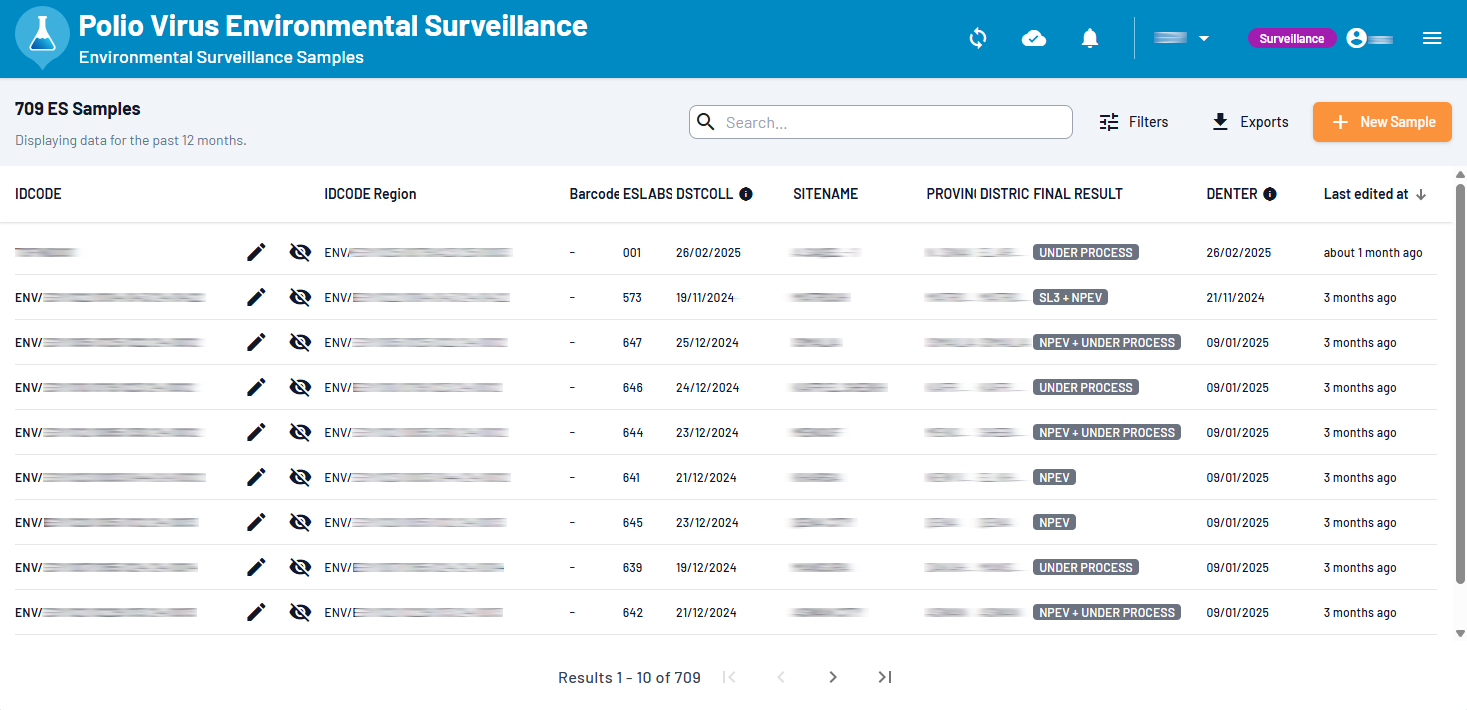
Accessing the Application (Web & Installable PWA)
To access the application, follow these steps:
Go to the WebIFA url
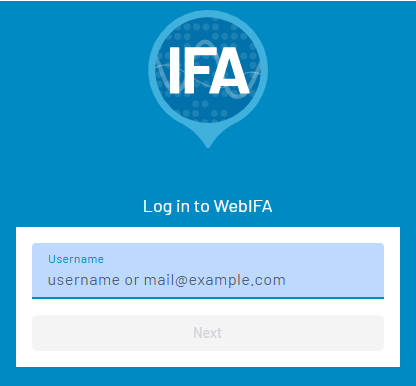
In the user login popup, enter your WebIFA username and click Next:
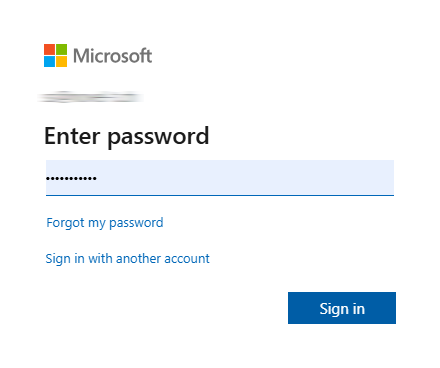
Enter your password and click Sign in:
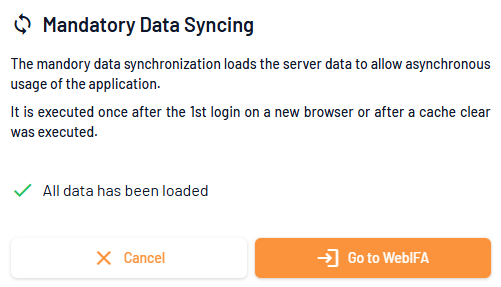
The mandatory data synchronization starts after signing in:
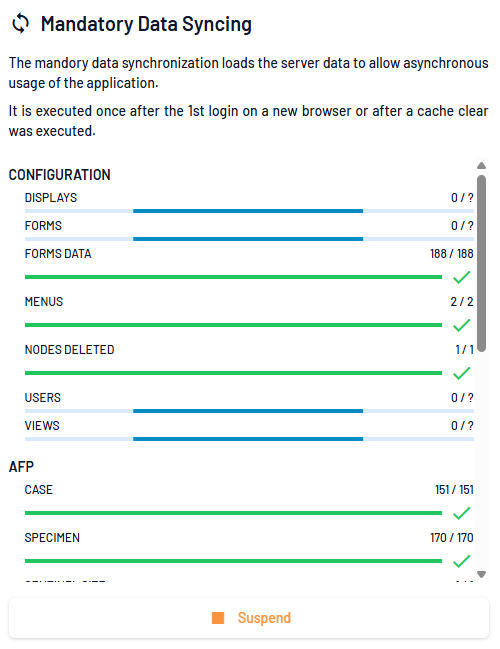
The mandatory data synchronization loads server data for offline usage.
Once synchronisation is complete, you can click to Go to WebIFA:
You can then start using the app: